

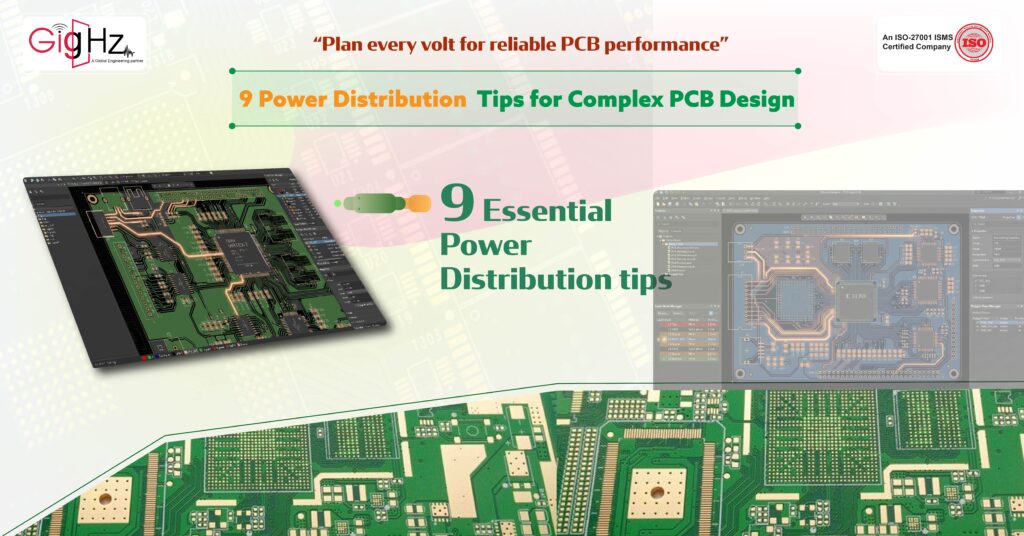
9 Power Distribution Tips for Complex PCB Design
- Posted On:
- July 1, 2026
- Category:
- Analysis & Simulation
Complex PCB designing isn’t just about placing components and drawing traces—it’s about ensuring every volt and amp flows exactly where it’s needed.
How you distribute power can make or break your board’s performance, stability, and long-term reliability.
Get it wrong, and you could run into voltage drops, signal noise, overheating, or even critical component failures—issues that often remain hidden until your PCB is in testing or deployed in the field.
Modern multi-layer boards are incredibly sensitive, and even small mistakes in stack-up, trace width, grounding, or decoupling placement can create serious headaches and costly delays.
Effective power planning should start at the schematic stage and continue through component placement, routing, and final verification.
By making thoughtful, strategic decisions early, you can dramatically improve signal integrity, reduce EMI, enhance thermal performance, and extend the lifespan of your components.
Here are 9 essential power distribution tips that will help you maintain clean, stable, and efficient power delivery throughout your PCB design, keeping your boards reliable and production-ready.
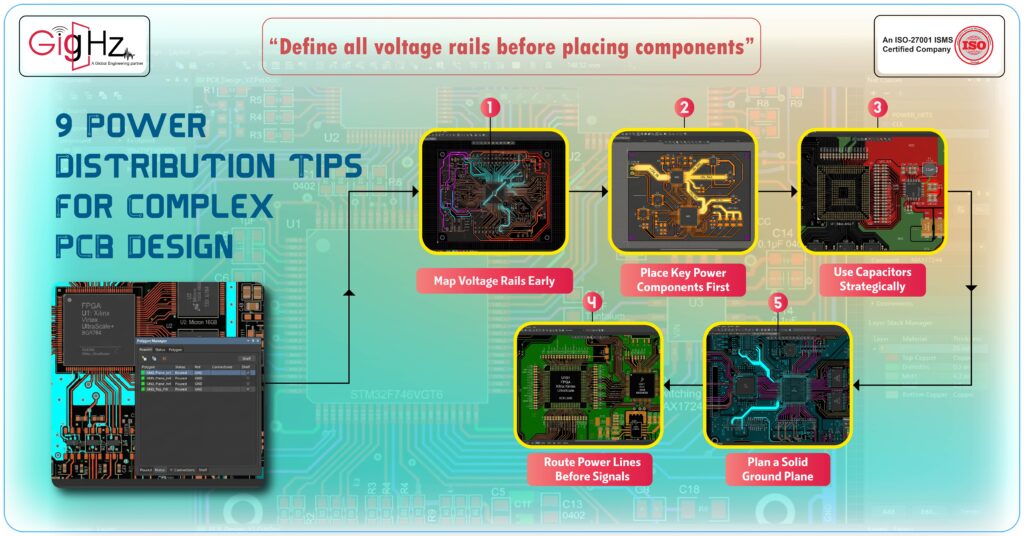
1. Map Your Voltage Rails Early
Before placing components, clearly define all voltage rails. Know which areas of the PCB need 1.8 V, 3.3 V, 5 V or higher.
Tips:
• Identify current requirements for each rail
- Prioritize high-current paths
- Plan and visualize power routing before component placement
2. Place Key Power Components First
Start with regulators, inductors, and rectifiers. Their positions determine your primary power paths in a complex PCB design.
Tips:
• Place voltage regulators near their load for efficient delivery
- Group high-current components logically
- Keep power paths as short as possible
3. Use Capacitors Strategically
Capacitors stabilize voltage and filter noise. Proper placement is critical in complex PCBs.
Tips:
• Place decoupling capacitors as close as possible to IC power pins
- Use a mix of bulk and high-frequency capacitors
- Keep low-ESR types near switching components
4. Route Power Lines Before Signals
Power traces carry high currents and need careful planning. Routing them first ensures stable operation.
Tips:
• Use wide traces for high-current nets
- Keep loops short to reduce voltage drops and EMI
- Separate power and sensitive signal traces
5. Plan a Solid Ground Plane
A clean and continuous ground plane is essential for proper power distribution. It provides a low-impedance return path and reduces noise.
Tips:
• Avoid splits under high-current or high-speed paths
- Connect analog and digital grounds at a single point
- Consider multiple vias for power return
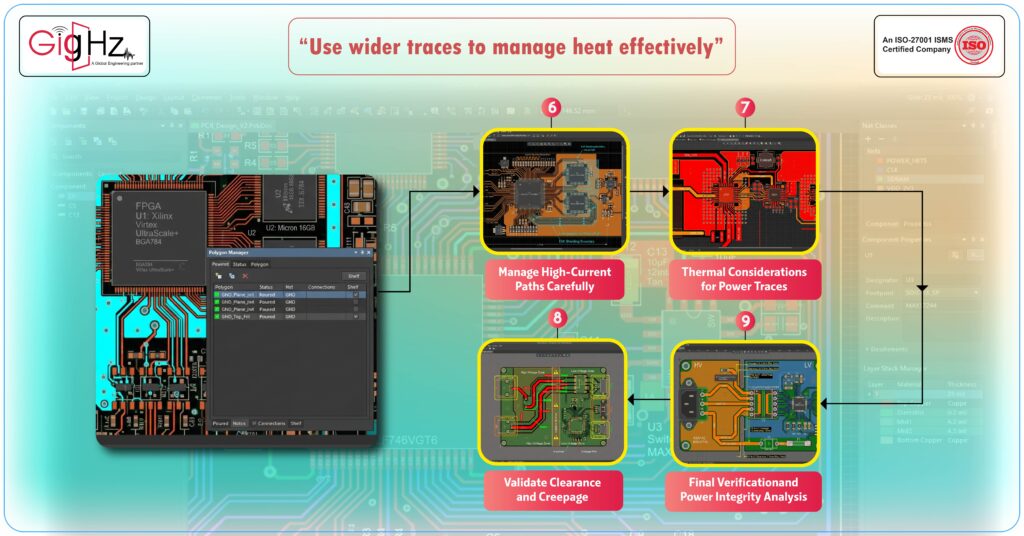
6. Manage High-Current Paths Carefully
Complex PCBs often have components that draw large bursts of current. Proper handling prevents voltage sag and thermal issues.
Tips:
• Place heavy loads near power sources
- Use multiple layers or planes for power distribution
- Add stitching vias to distribute current evenly
- Perform current density analysis to avoid localized heating
7. Thermal Considerations for Power Traces
High-current traces generate heat. Overheating can affect component life and board reliability.
Tips:
• Use wider traces or copper pours for high-current paths
- Add thermal vias to dissipate heat
- Spread heat-generating components to prevent hotspots
8. Validate Clearance and Creepage
Power traces must respect spacing rules to avoid shorts and arcing, especially in mixed-voltage or high-voltage designs.
Tips:
• Follow IPC standards for clearance and creepage
- Separate high-voltage and low-voltage nets
- Check spacing near connectors and switches
9. Final Verification and Power Integrity Analysis
Even well-planned power distribution networks can hide issues. Always verify your layout, especially on complex PCB designs.
Tips:
• Run DRC checks for spacing, trace width, and copper thickness
- Perform IR drop analysis to detect voltage losses
- Validate power integrity (PI) using simulation tools
- Ensure low PDN impedance across operating frequencies
- Check for potential hot spots or current bottlenecks
Final Thoughts
Effective power management is critical in every complex PCB design.
Following these 9 tips ensures stable voltage, minimal noise, and full protection for sensitive components. Proper planning during the design phase makes boards easier to manufacture, test, and maintain.
Good power distribution supports signal integrity, reduces EMI, minimizes thermal issues, and improves overall reliability.
Every trace, via, and connection matters — especially on high-speed digital circuits, mixed-signal boards, or multi-layer designs.
By implementing these strategies, your PCB designs become more robust, efficient, and ready to perform flawlessly in real-world conditions. Careful planning also helps with faster prototyping, easier debugging, and smoother certification processes.
Start using these practices today, and your boards will deliver consistent performance, avoid costly redesigns, operate without surprises, and remain reliable over long operational life.
Book a Call. Schedule a Free Consultation now. https://calendly.com/gighz/30min
Stuck in a loop of challenges? Always pick smart solution that works
Have you faced costly rework because 2D drawings skipped in MCAD workflows?
Effective way to prevent MCAD documentation errors recalls?
Please answer both poll questions before submitting.
Thank you for your response! 😊
Latest Post
Get Customized Engineering CAD Design Service

Book a Free Consultation Call
Partner with Gighz and bring your most innovative design concepts to life. Our engineering cad services accelerate development so you can focus on your big vision.
